



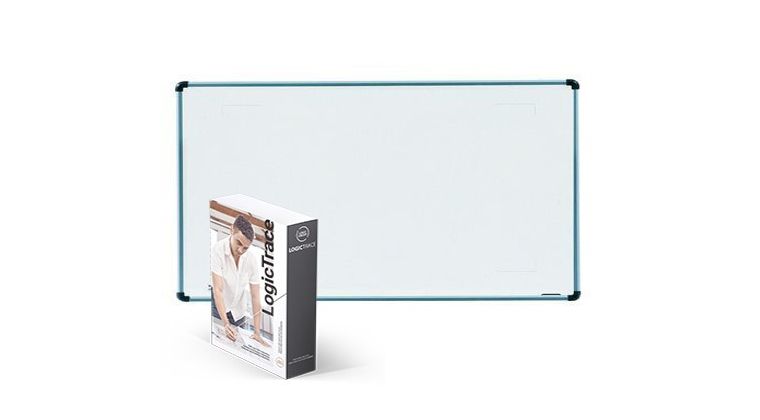
Logic Trace System: Quickly create DXF files using a CNC digitizing board
Are you also facing the following challenges in actual operations?
Scenario 1: One major difficulty when using CNC equipment is how to quickly trace parts and shapes into the computer for cutting.
Scenario 2: Designing with CAD software can take hours, while scanning is ineffective for large parts and post-processing is extremely time-consuming.
➡︎ By using a digital tracing board, stylus pen, and Logic Trace software, you can quickly and accurately replicate parts or patterns and import them into CNC or CAD software.
- Logic Group provides the solution!
Simply use a digital tracing board and Logic Trace software, draw the part or pattern with a stylus pen, save it as a DXF file, and import it into CNC or CAD software-recreate parts in minutes instead of hours.
- How fast and accurate is the Logic Trace system?
It can trace complex shapes in just a few minutes, with precision up to 0.01 inch or 0.005 inch (0.254 mm or 0.112 mm).
- What sizes of digital tracing boards are available?
The most common sizes are 44"x60" (110x150 cm) and 5'x8' (1.5x2.4 m). Larger or smaller sizes are also available, with a maximum size of 5'x80' or 20'x24', and a minimum size of 12"x12".
- What is a digital tracing board?
A digital tracing board is an electronic board that sends precise XY coordinates to the computer when the pen is near the surface and its button is pressed. Logic Trace software then converts these coordinates into a DXF file.
- What machines can it be used with?
Compatible with all machines: plasma cutters, waterjet cutters, laser cutters, vinyl cutters, plotters, and all CNC machines.
- Which software can it be used with?
Compatible with all software: AutoCAD, Plasmacam, Mastercam, Mach3, Bobcad, Vectric, Vcarve, SigmaNest, Solidworks, Rhino, CorelDraw, Adobe Illustrator, Gerber, and more. DXF files are compatible with all CNC and CAD software.
For more product details, please visit the link: https://www.logicgroup.com/
